
How to Recover Data from a Clicking Hard Drive by Freezing It: Recovering data from a failing or clicking hard drive can be tricky. A clicking hard drive usually indicates that the drive’s read/write head is stuck in seek mode—a common symptom of imminent failure. If the drive contains your operating system, it may no longer boot, and the drive can appear completely dead. Many assume the drive is lost, but there’s a last-ditch method that can help you recover important files: freezing the drive.
Why Hard Drives Click
A clicking sound often signals:
- Mechanical failure of the read/write heads
- Stiction or head crash in older drives
- Failing spindle motor or platters
Freezing the drive temporarily contracts components and can sometimes allow the heads to operate long enough to copy important data.
How to Safely Backup Data from a Clicking Hard Drive
Follow these steps carefully:
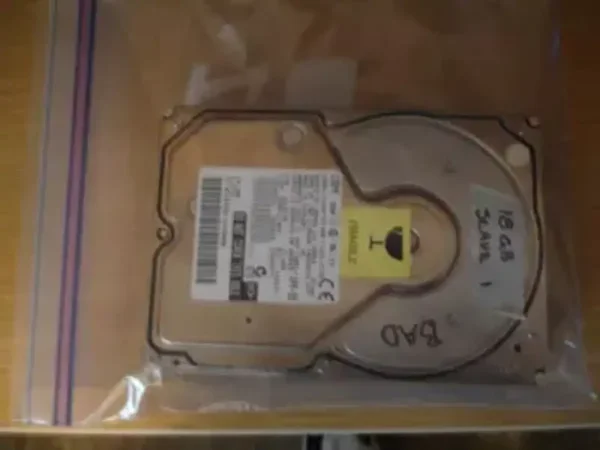
- Remove the hard drive from your computer. Place it in a ziplock bag to prevent condensation.
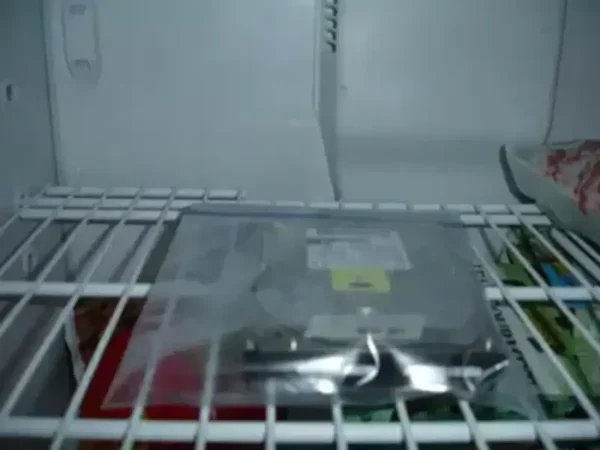
- Freeze the hard drive for about 1 hour. Do not exceed this time.
- Have a backup device ready, such as an external USB drive or large-capacity flash drive.
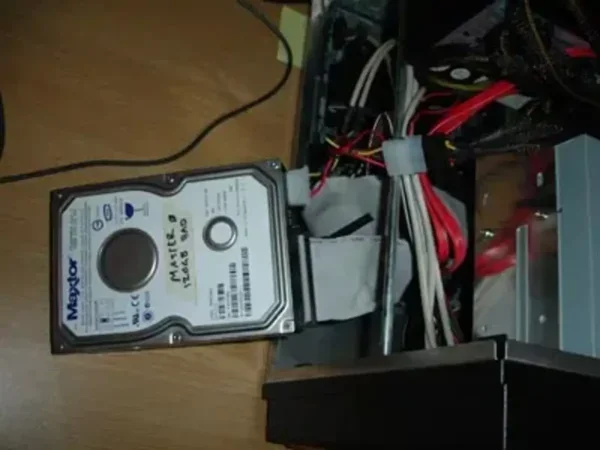
- Remove the frozen drive from the freezer and reconnect it to your computer immediately. Important: Place the drive on a flat, stable surface—do not mount in the original drive carriage if unnecessary.
- Attempt to boot the drive. In many cases, it will spin up successfully, although it may take a few attempts.
- Once the drive is recognized, copy your important files to the backup device immediately. Prioritize critical documents, photos, or other irreplaceable data.
Important Notes and Warnings
- You usually have only a 15-20 minute window before the drive warms up and becomes unresponsive again. Time may vary depending on ambient temperature.
- This method is not guaranteed. Freezing can sometimes damage the drive further, especially newer or solid-state drives (SSDs are unaffected by this method).
- For critical or irreplaceable data, consider professional data recovery services first. Freezing is best used as a last resort.
- Do not thaw and refreeze the drive multiple times—this can worsen mechanical damage.
Alternative Methods for Recovering Data
- Use a live Linux USB or external enclosure to attempt file copying.
- Try professional data recovery software such as Recuva, R-Studio, or Disk Drill.
- If the drive is still under warranty, consult the manufacturer for recovery options.
Summary
Freezing a clicking hard drive is a last-resort DIY solution to recover critical data from a failing mechanical HDD. Remember:
- Remove and bag the drive
- Freeze for ~1 hour
- Reconnect and copy files quickly
- Only use as a temporary measure and avoid repeated freezing
Use this method responsibly and always prioritize professional services for valuable data.