
Disposable temporary emails - also called throwaway or burner email addresses - let you receive verification emails, trial access, and downloads without exposing your real inbox to spam, data brokers, or marketing lists. Instead of using your personal email every time a website asks for one, you generate a temporary address that expires automatically after a short period.
Quick answer: For a one-time verification, 10 Minute Mail is the fastest option. For general daily use and spam prevention, Temp Mail is the most popular. For longer-lived inboxes or recurring privacy needs, consider an email alias service like SimpleLogin or Firefox Relay instead of a classic temp mail service.
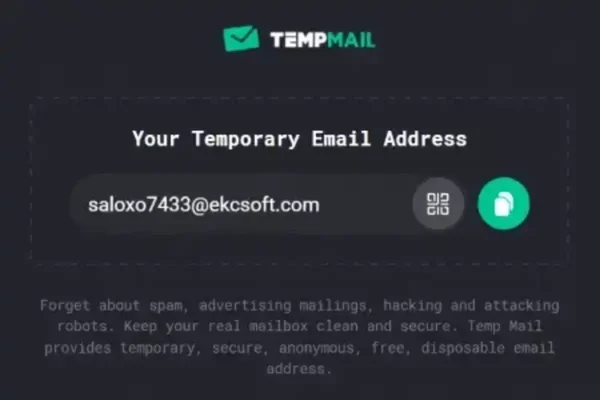
Popular disposable email services help protect your primary inbox from spam and unwanted marketing messages.
What Is a Disposable Temporary Email?
A disposable temporary email is a short-lived email address that automatically expires after a set period of time or inactivity. These addresses are designed for one-time or short-term use and are not tied to your personal identity.
Temporary email addresses are commonly used for one-time registrations, testing services, downloading gated resources, or accessing free trials without sharing your primary inbox. Most services require no signup - you visit the site and an address is generated instantly.
Benefits of Using Temporary Email Addresses
- Protects your primary email address from spam and marketing lists
- Reduces unwanted newsletters and promotional emails
- Limits personal data exposure to third-party websites
- Allows quick account creation without registration or identity verification
- Provides a convenient way to test online services and signups
- Reduces risk if a site is breached - a temp address can't be traced back to you
How Disposable Email Services Work
- A temporary email address is instantly generated - no signup required
- Incoming messages appear in a temporary browser-based inbox
- Messages remain available for a limited time (minutes to hours, depending on the service)
- The inbox and all messages are automatically deleted after expiration
Important: Temporary email services should never be used for banking, financial accounts, password recovery, or any account you may need to access later. They are designed for convenience and short-term privacy, not long-term account security.
Privacy note: Some services - notably Mailinator - use fully public inboxes that anyone can access if they know your address. If you are receiving sensitive verification messages, use a service with private inboxes.
Common Uses for Disposable Email Addresses
- Signing up for websites that require email verification
- Downloading free software, tools, or gated resources without being added to a mailing list
- Accessing free trials and demo accounts
- Testing website signup and email delivery flows during development
- Avoiding spam lists and marketing campaigns
- Creating temporary accounts for short-term platform access
Best Free Disposable Temporary Email Services
The following services provide free temporary email addresses for receiving verification emails and short-term communications. All are free and require no registration.
Temp Mail
Temp Mail provides a secure temporary inbox that can receive emails instantly.
Best for: General use and spam prevention
Email lifetime: Variable (session-based)
Features: Clean interface, instant inbox generation, mobile app available, private inbox, multiple domain options
Temp Mail is one of the most widely used disposable email services by traffic volume. It generates a random address tied to your browser session and delivers emails in real time. Unlike fully public-inbox services, inboxes are private by default.
10 Minute Mail
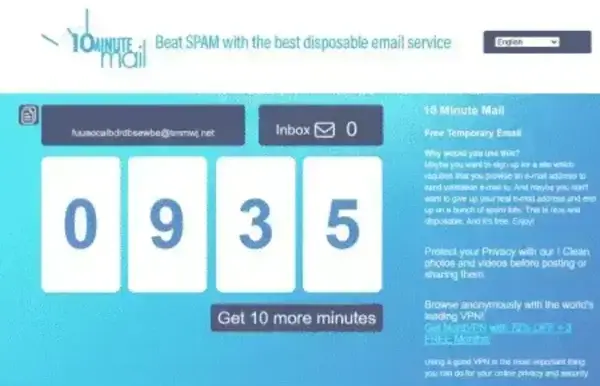
A classic temporary email service that automatically expires after ten minutes.
Best for: Instant one-time verification emails
Email lifetime: 10 minutes, extendable with a single click
Features: Extremely fast setup, simple single-page interface, extendable timer
10 Minute Mail does exactly what it describes - it gives you an address that self-destructs after 10 minutes. You can extend the timer if you need more time. It is the best option when you need an address for the absolute quickest task and do not expect to return to the inbox.
ThrowAwayMail
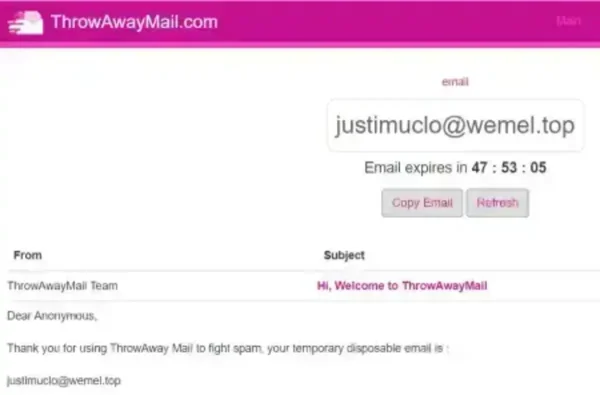
ThrowAwayMail offers a simple disposable inbox without requiring registration.
Best for: Anonymous browsing and one-time registrations
Email lifetime: Short-term
Features: No account creation required, minimal interface
NADA
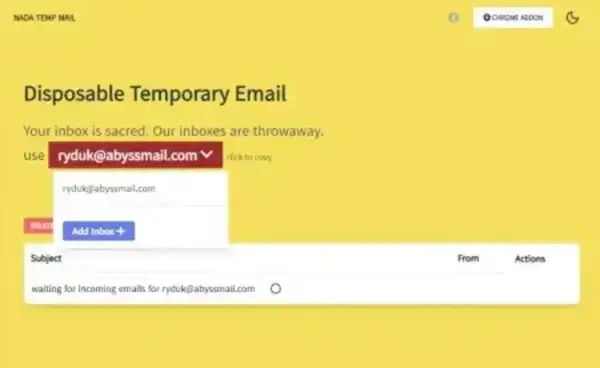
NADA focuses on providing longer-lasting temporary inboxes.
Best for: Longer temporary inbox access
Email lifetime: Until expiration or manual clearing
Features: Multiple domains, inbox management, slightly longer-lived than most services
MAIL1.io
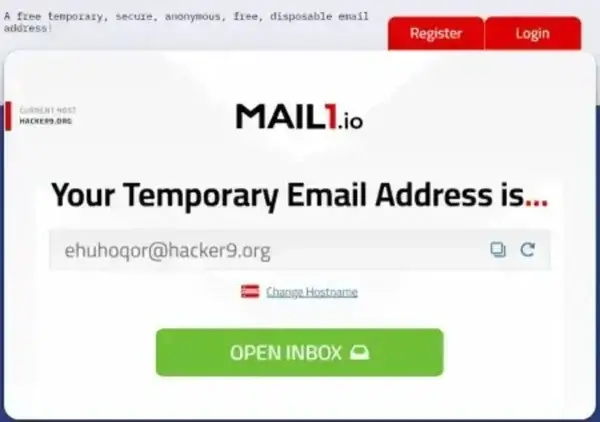
MAIL1.io provides a lightweight temporary email solution focused on simplicity.
Best for: Lightweight temporary email usage
Email lifetime: Short-term
Features: Fast loading, minimal interface, no clutter
What About Email Alias Services?
Classic temporary email services are designed for one-time use and expire automatically. If you need a disposable-style address that lasts indefinitely and forwards to your real inbox, email alias services are a better fit. These create a permanent alias that masks your real address - you can disable or delete the alias at any time.
- SimpleLogin (by Proton) - free tier available, open source, highly privacy-focused
- addy.io (formerly AnonAddy) - generous free tier, supports custom domains
- Firefox Relay - built into Firefox accounts, easy to use for browser users
- Apple Hide My Email - built into iCloud+ for Apple device users
Alias services are the better choice when you need to receive ongoing emails from a service but do not want to expose your real address.
Disposable Email Service Comparison Chart
| Service | Email Lifetime | Private Inbox? | Receive Mail | Best For |
|---|---|---|---|---|
| Temp Mail | Session-based | Yes | Yes | General use, spam prevention |
| 10 Minute Mail | 10 min, extendable | Yes | Yes | Quick one-time verifications |
| ThrowAwayMail | Short-term | Yes | Yes | Anonymous registrations |
| NADA | Longer duration | Yes | Yes | Extended temporary inboxes |
| MAIL1.io | Short-term | Yes | Yes | Minimalist, fast access |
Pros and Cons of Temporary Email Services
Advantages
- Protects your primary inbox from spam and unsolicited marketing
- Requires no registration - instant access
- Limits the amount of personal data you share with third-party sites
- Provides quick, anonymous access to online services and downloads
- Reduces breach exposure - a compromised temp address cannot be linked to your identity
Disadvantages
- Not suitable for any account you need long-term access to
- Some services use public inboxes - anyone with your address can read your mail
- Many websites now actively block known disposable email domains
- Messages and inboxes expire - you cannot recover emails after the inbox deletes
- Cannot send email from most disposable addresses
Domain Blocking: What to Know in 2026
One growing challenge with disposable email services is that many websites - particularly social media platforms, e-commerce sites, and subscription services - now actively block known disposable email domains. When this happens, the registration form rejects your temporary address.
If you encounter blocking, try:
- Switching to a service that offers multiple domains or rotating domain options
- Using a newer service whose domains are not yet on common blocklists
- Using an email alias service, whose addresses are harder to detect as disposable
When Not to Use Temporary Email Services
Disposable email addresses are intended for temporary, low-stakes use only. Avoid using them for:
- Banking or financial accounts
- Password recovery and account security services
- Medical or legal communications
- Online shopping accounts with stored payment information
- Business or professional correspondence
- Any account you may need to recover or access months from now
Frequently Asked Questions
Are disposable email addresses legal?
Yes. Using a temporary email address is legal in all major jurisdictions. Some websites prohibit them in their Terms of Service, but that is a contractual restriction between you and that specific service - not a legal prohibition. Using a disposable address to receive messages is not a crime.
Are temporary emails anonymous?
They provide greater privacy than traditional email accounts but are not fully anonymous tools. Some services log IP addresses or use browser session identifiers. For stronger anonymity, combine a disposable email service with a VPN.
Can temporary email addresses receive verification emails?
Yes. Most disposable email services are specifically designed to receive account verification and confirmation emails. Delivery is typically near-instant. However, some platforms block known disposable domains - if your address is rejected, try a different service or domain.
Why do some websites block temporary email services?
Websites block disposable email domains to prevent spam registrations, free-trial abuse, fake accounts, and automated bot activity. They use blocklists of known disposable email domains and sometimes real-time API validation to detect and reject temporary addresses.
How long do temporary email addresses last?
Lifetimes vary significantly by service. 10 Minute Mail expires after 10 minutes (extendable). Temp Mail lasts as long as your browser session is active. Other services range from a few hours to a few days. Once expired, the inbox and all messages are deleted and cannot be recovered.
What is the difference between a disposable email and an email alias?
A disposable email is a temporary address that expires automatically - designed for one-time use with no long-term access. An email alias (from services like SimpleLogin or addy.io) is a permanent forwarding address that masks your real email - it can last indefinitely, be disabled anytime, and still delivers mail to your real inbox. Aliases are better for recurring signups; disposable addresses are better for truly one-time use.
Should I use a disposable email for important accounts?
No. Important accounts should always use a permanent email address that you control and can recover. If you lose access to a disposable inbox - which happens automatically when it expires - you may lose your only means of account recovery.
Can I send email from a disposable address?
Most disposable email services are receive-only. Guerrilla Mail is a notable exception that allows sending from a temporary address via its scramble-address feature. For most privacy use cases, receive-only is sufficient.
Final Thoughts on Disposable Temporary Emails
Disposable temporary email services remain one of the simplest and most effective tools for keeping your primary inbox clean, limiting data exposure, and avoiding spam from services you only use once. For a quick one-time verification, 10 Minute Mail or Temp Mail get the job done instantly with no setup required.
If you find that your temporary address is being blocked by certain websites, try switching domains or using an email alias service like SimpleLogin or addy.io - these offer the same privacy benefit with addresses that are much harder for websites to detect and block.
Use disposable emails for what they are designed for: short-term, low-stakes signups. For anything you may need to access again or recover later, always use a permanent address you control.