
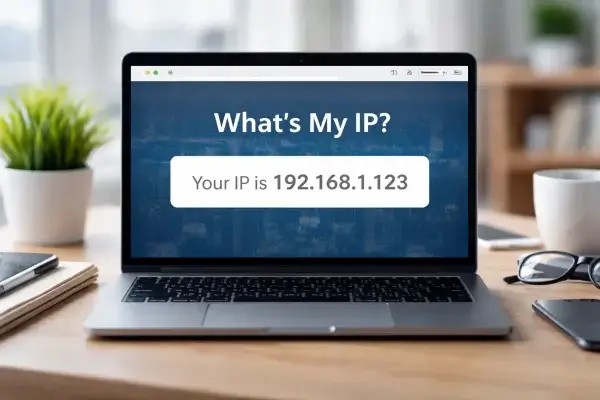
Displaying a visitor's public IP address can help with VPN setup, firewall troubleshooting, router configuration, and support instructions. You can do this with a small PHP endpoint and embed the result on a WordPress page.
This updated method returns the address as text inside an iframe instead of generating a PNG image. It also avoids trusting arbitrary proxy headers and sends no-cache headers so one visitor's address is not accidentally reused for another visitor.
1. Create a PHP file to display the visitor's IP address
Create a file named show-ip.php on your computer and add the following code. This version uses REMOTE_ADDR, which represents the address of the system connecting directly to your web server.
<?php
$ip = $_SERVER['REMOTE_ADDR'] ?? '';

if (!filter_var($ip, FILTER_VALIDATE_IP)) {
    $ip = 'Unavailable';
}

header('Content-Type: text/html; charset=UTF-8');
header('Cache-Control: no-store, no-cache, must-revalidate, max-age=0, private');
header('Pragma: no-cache');
header('Expires: 0');
?>
<!doctype html>
<html lang="en">
<head>
  <meta charset="UTF-8">
  <meta name="viewport" content="width=device-width, initial-scale=1">
  <title>Your IP Address</title>
  <style>
    body { margin: 0; padding: 12px; font: 16px Arial, sans-serif; }
  </style>
</head>
<body>
  <p>Your IP address:
    <strong><?php echo htmlspecialchars($ip, ENT_QUOTES, 'UTF-8'); ?></strong>
  </p>
</body>
</html>
2. Upload the PHP file
- Upload
show-ip.phpto your website using SFTP or your hosting file manager. - Place it in a directory where PHP scripts are allowed to run. For this example, assume it is in the site's document root.
- Open
https://yourdomain.com/show-ip.phpin a browser and confirm it displays an IP address.
3. Embed the IP address on a WordPress page
Add a Custom HTML block to the page or post where the address should appear. Replace the example domain with your own:
<iframe
  src="https://yourdomain.com/show-ip.php"
  title="Your public IP address"
  width="320"
  height="60"
  loading="lazy">
</iframe>
The iframe loads the result separately from the page content. If your editor or security settings do not allow iframe markup, use a suitable shortcode or custom integration instead.
Important: reverse proxies and IP headers
If your site is behind a reverse proxy, load balancer, or CDN, REMOTE_ADDR may contain the proxy's address instead of the visitor's. Configure your web server to trust only your known proxy addresses and set the real client IP correctly before relying on forwarded headers.
Do not blindly trust HTTP_X_FORWARDED_FOR, HTTP_CLIENT_IP, or similar request headers. A visitor can send forged values unless your server validates that the request came through a trusted proxy and handles the proxy chain correctly. If you use Cloudflare, only rely on its connecting-IP header when your origin is configured to trust Cloudflare's network and prevent untrusted direct-origin requests.
Prevent visitor-specific caching
The PHP response includes no-store and related cache headers because the output is different for each visitor. Also configure any page cache, reverse proxy, or CDN to bypass caching for show-ip.php. Do not cache a visitor-specific IP response as a shared image or page asset.
Privacy considerations
An IP address can be personal data depending on the context and applicable privacy laws. Display it only when it serves a clear purpose, explain why the page shows it, and avoid logging or retaining it unless you have a legitimate need and an appropriate privacy notice.
This example displays the address received by your web server. It does not perform geolocation, identify a person, or store the address.