Smart technology is reshaping how we live, work, and interact with the world around us. In this category, you’ll find practical guides, deep dives, and real world insights into smart devices, home automation systems, and AI powered tools that are transforming everyday life.
From smart home setups and connected devices to voice assistants, IoT ecosystems, and automation workflows, we break down how these technologies work and how to use them effectively. Whether you’re setting up a smarter home, improving efficiency, or exploring the latest innovations in artificial intelligence, this section focuses on clear, actionable information without the hype.
You’ll also discover tutorials, troubleshooting tips, and product insights designed to help you get the most out of modern technology. If you’re curious about where tech is heading and how to apply it in your own life, this is where smart technology becomes simple and useful.
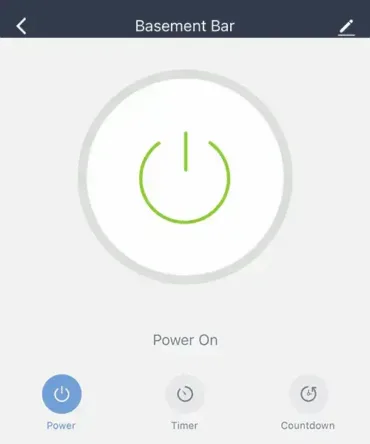
Using the Smart Life App with Treatlife Switches: Did you know you can pair many Treatlife Wi-Fi smart switches with the Smart Life application? Although Treatlife provides its own companion app, many of its devices are built on the Tuya platform, allowing them to also work with the Smart Life app. Using a single application to manage compatible devices can simplify your smart home setup and reduce the need to switch between multiple apps.
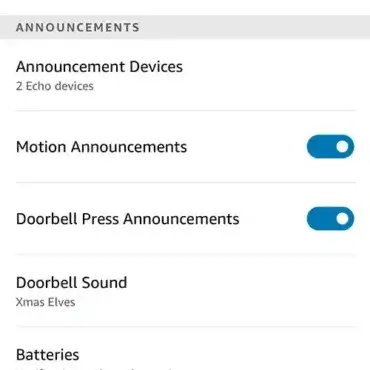
Is Blink not sending notifications to your Alexa echo devices? Blink Doorbell not detecting motion? Are your motion detection alerts and doorbell press announcements not working?