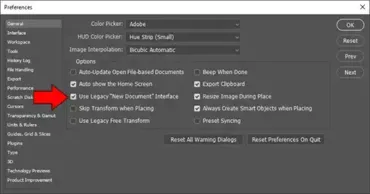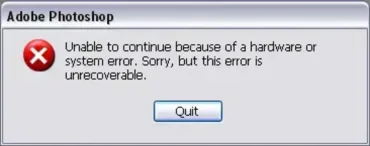
How to Reset Photoshop Preferences and Settings to Default: During experimentation, you might find yourself changing Photoshop's default settings only to forget what the original configuration was later. Sometimes Photoshop may also begin behaving strangely, crashing unexpectedly, displaying missing panels, or refusing to save preferences correctly.
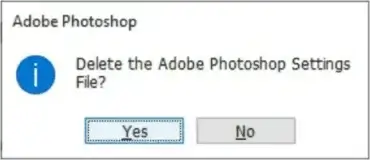
Fortunately, resetting Photoshop preferences back to their factory defaults often fixes these issues.
The good news is that there are several simple ways to reset all of your Photoshop settings and preferences. These methods work on older versions such as Photoshop CS2, CS3, CS4, CS5, and CS6, as well as the latest versions of Adobe Photoshop in Creative Cloud.