Print Screen on a MacBook Keyboard in Windows
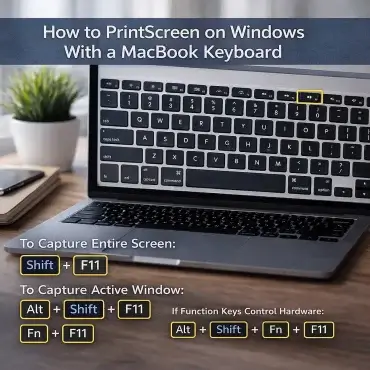
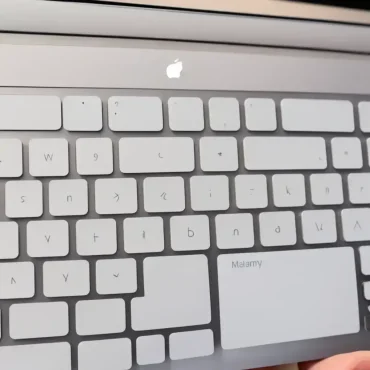
Print Screen on a MacBook Keyboard in Windows; Want to take a screenshot while running Windows on a MacBook? If you are used to a traditional Windows keyboard, you may be confused when you realize there is no physical PrintScreen (PrtScn) key on a Mac keyboard. To help you navigate this, here are some useful screenshot shortcuts for mac users. For instance, pressing Command + Shift + 4 allows you to capture a selected portion of the screen, while Command + Shift + 3 captures the entire screen. If you frequently take screenshots, familiarizing yourself with these shortcuts can significantly enhance your productivity.
When Windows is installed on a MacBook using Boot Camp or a similar setup, Apple maps the Print Screen function to a different key combination. Once you know the shortcut, taking screenshots works just like it does on a regular Windows PC.